Medora Weather
Copy-and-paste weather widgets and images for Medora, North Dakota.
Powered by the National Weather Service (with air quality from Open-Meteo) and cached — the source refreshes about every 30 minutes, so this page and every site that embeds it never overloads the government API. Each snippet below is ready to paste as-is.
Quick start
Paste this one line where you want the widget to appear. That's the whole install — no accounts, no keys, no build step.
<script src="https://weather.labs.trlibrary.com/embed.js"
        data-days="3"
        data-rain="true"></script>
Widget recipes
Each block below is a complete, working snippet. Copy the one that fits, or mix the options — see the reference table further down.
Mini badge — icon + temperature
A compact "right now" chip for a header or sidebar. It links to the full forecast page (trlibrary.com/weather/) when clicked.
<script src="https://weather.labs.trlibrary.com/embed.js"
        data-view="mini"></script>
Mini badge — temperature only
The same badge stripped to just the icon and temperature (no place name or condition). Still links to the full forecast.
<script src="https://weather.labs.trlibrary.com/embed.js"
        data-view="mini"
        data-title="false"></script>
Current conditions
The current view also shows the detail that matters on a hot or windy day: feels-like temperature, wind and gusts, humidity, sunrise/sunset, and air quality — the AQI comes with a color scale and a plain-language line so the number actually means something.
<script src="https://weather.labs.trlibrary.com/embed.js"
        data-view="current"></script>
Five-day forecast
<script src="https://weather.labs.trlibrary.com/embed.js"
        data-days="5"
        data-rain="true"></script>
Hourly strip (next 12 hours)
<script src="https://weather.labs.trlibrary.com/embed.js"
        data-days="0"
        data-hours="12"
        data-rain="true"></script>
Three-day + hourly together
<script src="https://weather.labs.trlibrary.com/embed.js"
        data-days="3"
        data-hours="12"
        data-rain="true"></script>
Compact — no heading
<script src="https://weather.labs.trlibrary.com/embed.js"
        data-days="3"
        data-rain="true"
        data-title="false"></script>
Several widgets on one page
Include the script once, then drop a container wherever you want a widget. Handy when the same page needs, say, "current" in a header and a "5-day" in the sidebar.
<div data-medora-weather data-view="current"></div>
<div data-medora-weather data-days="5"></div>

<!-- include once, anywhere on the page -->
<script src="https://weather.labs.trlibrary.com/embed.js"></script>
Active weather alerts
A dedicated panel that lists any active NWS alerts for Medora — Heat Advisory, Red Flag Warning, Winter Storm Warning, and so on — with the timing and safety instructions. When there's nothing active it shows a calm "no active alerts" state. Every other view also shows a colored alert banner across the top automatically when an alert is in effect (and the mini badge shows a small colored dot), so you don't need this panel to surface warnings — it's for pages that want the full detail.
<script src="https://weather.labs.trlibrary.com/embed.js"
        data-view="alerts"></script>
Options reference
| Attribute | Values | Default | What it does |
|---|---|---|---|
data-days | 0–7 | 3 | Number of forecast days shown with a condition icon. 0 hides the multi-day row. |
data-hours | 0–24 | 0 | Number of hourly columns with condition icons. 0 hides the hourly strip. |
data-rain | true / false | true | Show chance of rain. |
data-title | true / false | true | Show the "Medora, North Dakota" heading. |
data-view | mini / current / hourly / days / alerts | — | Force a single view. mini is the icon + temperature badge; alerts shows active weather-alert details. Overrides data-days/data-hours. |
data-link | URL / false | on | Every embed links to the full forecast page by default. Set a URL to override the destination, or false to make it non-clickable. |
data-alerts | true / false | true | Show the active-alert banner at the top of the widget when NWS has an alert for Medora. false hides it. |
data-refresh | minutes | 15 | Auto-refresh interval. The widget re-checks for fresh data on this cadence (and when a hidden tab returns), and automatically speeds up to every 5 minutes while an alert is active. Set 0 to disable. |
Widgets update themselves — a page left open refreshes automatically as new data publishes (the source rebuilds about every 30 minutes), no reload needed, and polls faster while a weather alert is active.
Snowfall shows automatically: when the forecast calls for accumulation, the daily cards and hourly strip add a snowflake with the expected inches. Nothing appears when no snow is expected, so it stays out of the way spring through fall.
The widgets have transparent backgrounds, so they take on your page's background — the static images always render on white. And if the National Weather Service is ever unreachable, the widgets keep showing the last good forecast and quietly note "data delayed" rather than going blank.
Static images
Prefer a plain image — for email, print signage, a CMS that blocks scripts, or a social post? Hotlink any of these PNGs. They refresh about every 30 minutes at the same URL, so the link never goes stale.
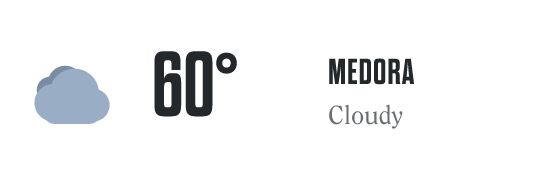
<!-- icon + temperature + place, links to the full forecast -->
<a href="https://trlibrary.com/weather/">
  <img src="https://weather.labs.trlibrary.com/images/badge.png"
       alt="Current weather in Medora, ND">
</a>
<!-- icon + temperature only -->
<a href="https://trlibrary.com/weather/">
  <img src="https://weather.labs.trlibrary.com/images/badge-bare.png"
       alt="Current temperature in Medora, ND">
</a>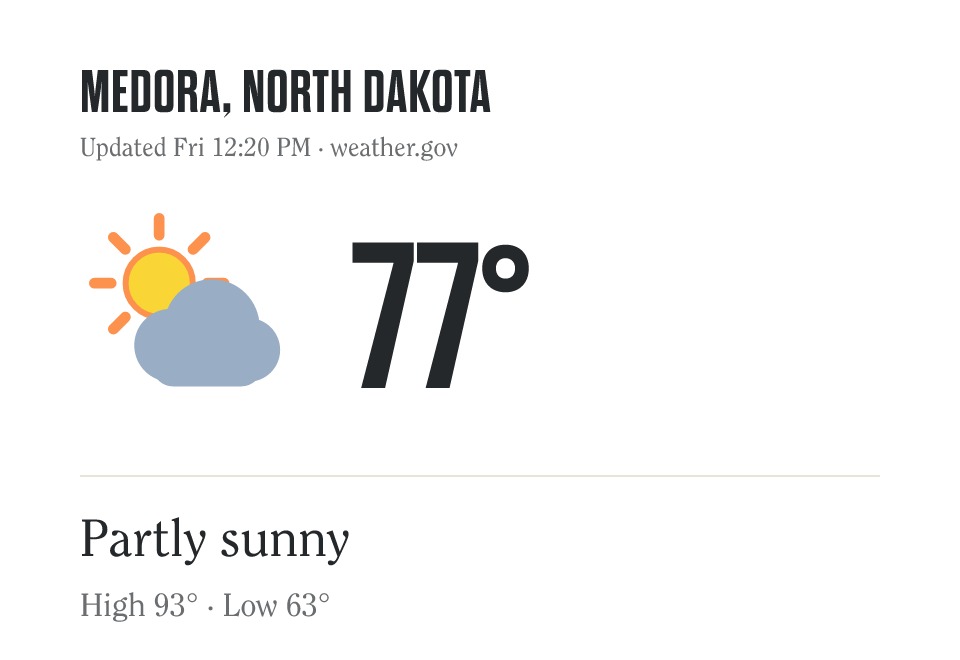
<img src="https://weather.labs.trlibrary.com/images/current.png"
     alt="Current weather in Medora, ND">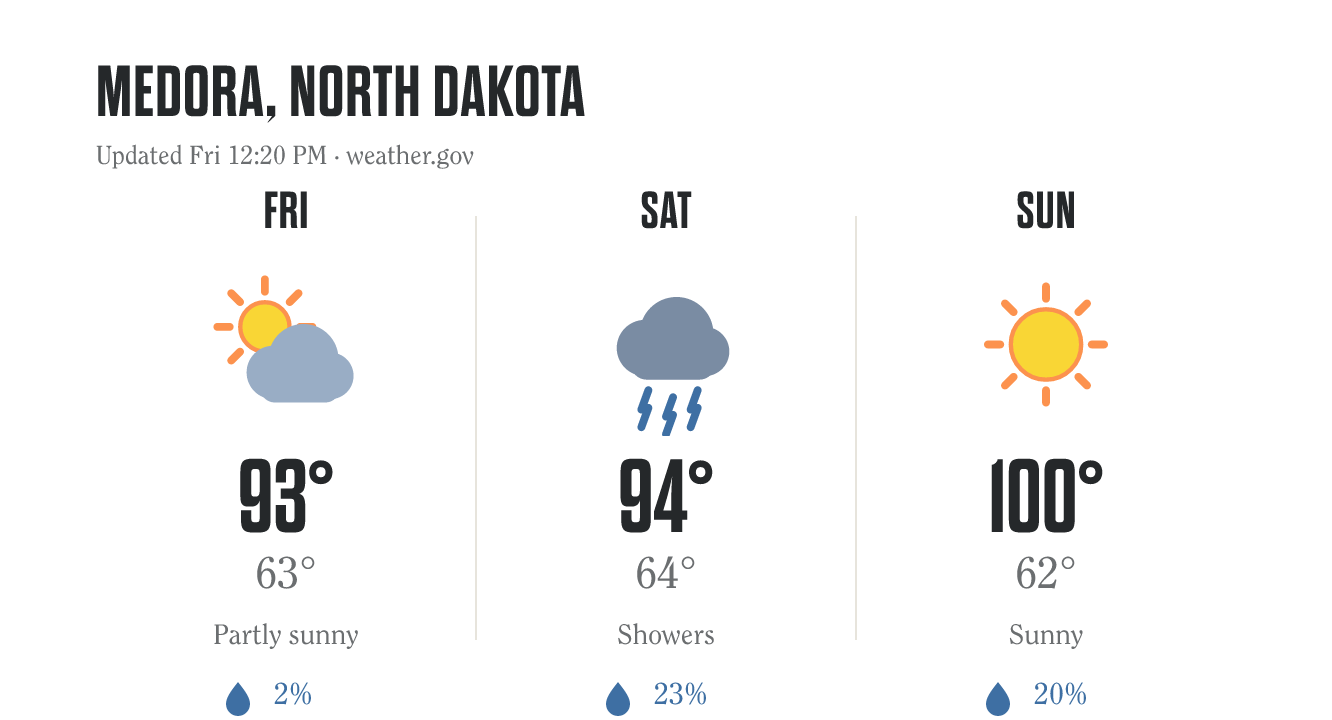
<img src="https://weather.labs.trlibrary.com/images/forecast-3day.png"
     alt="3-day forecast for Medora, ND">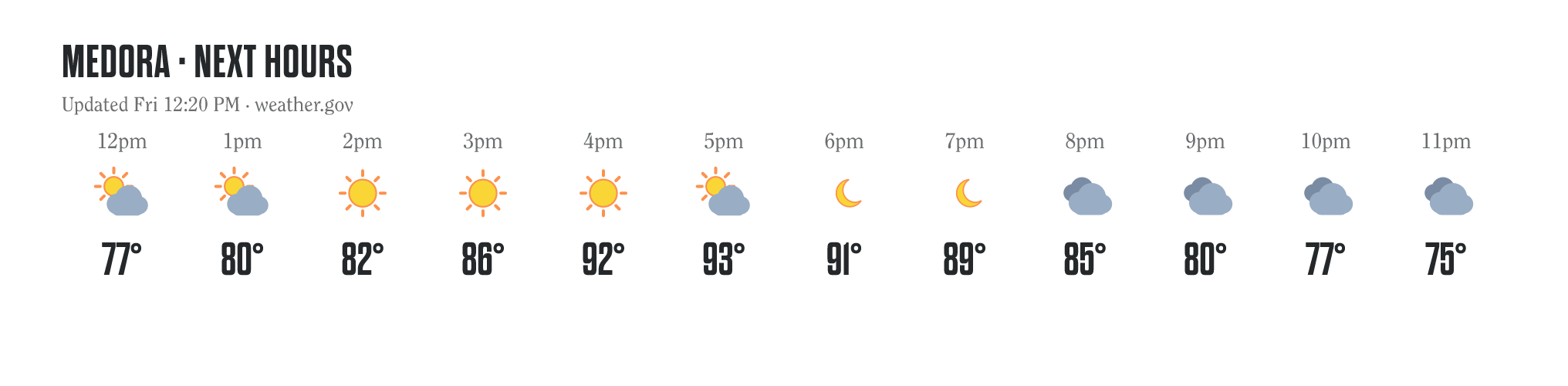
<img src="https://weather.labs.trlibrary.com/images/hourly.png"
     alt="Hourly forecast for Medora, ND">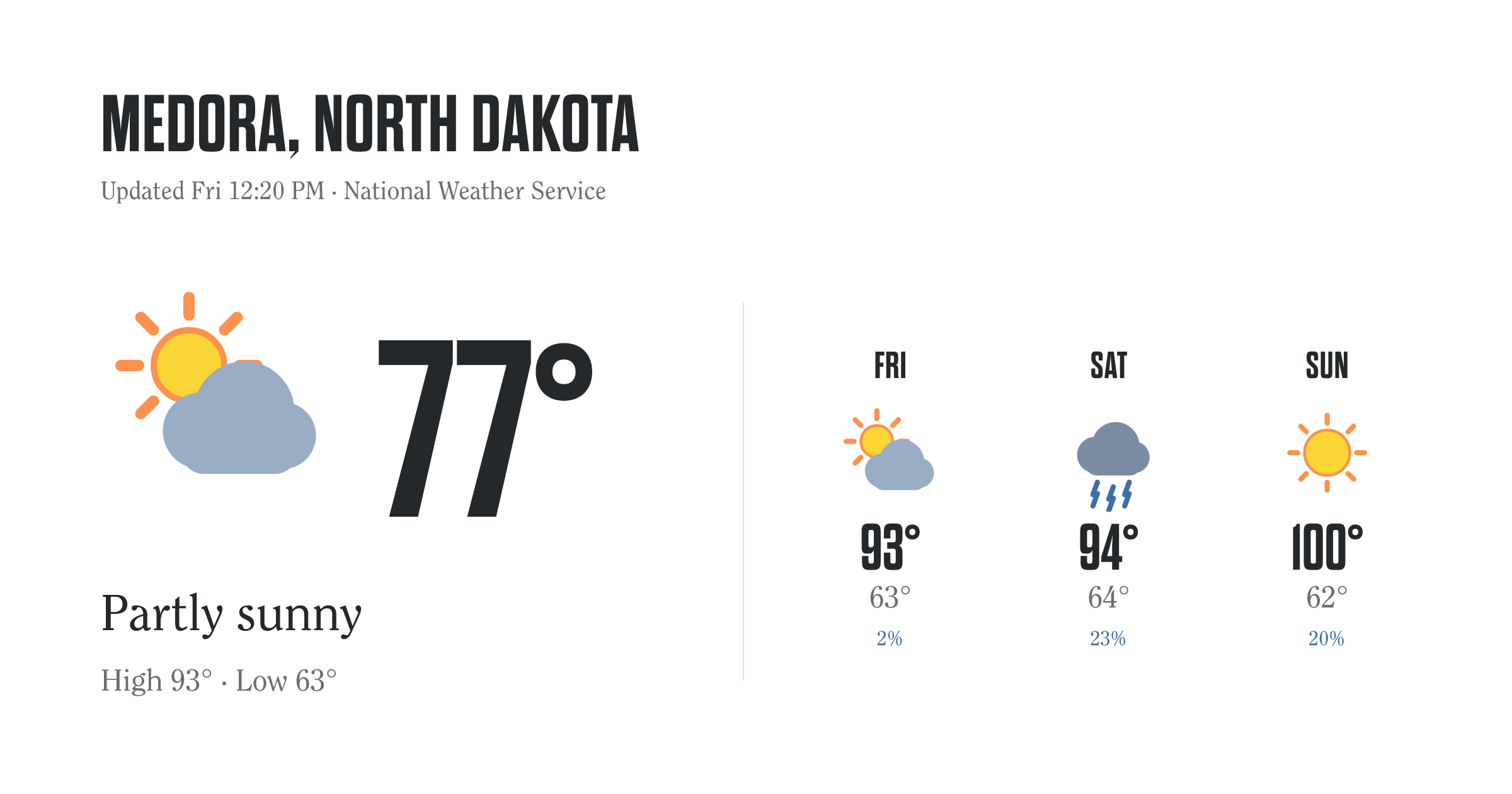
<!-- 1200x630, sized for link previews & email headers -->
<img src="https://weather.labs.trlibrary.com/images/social.png"
     alt="Weather in Medora, ND">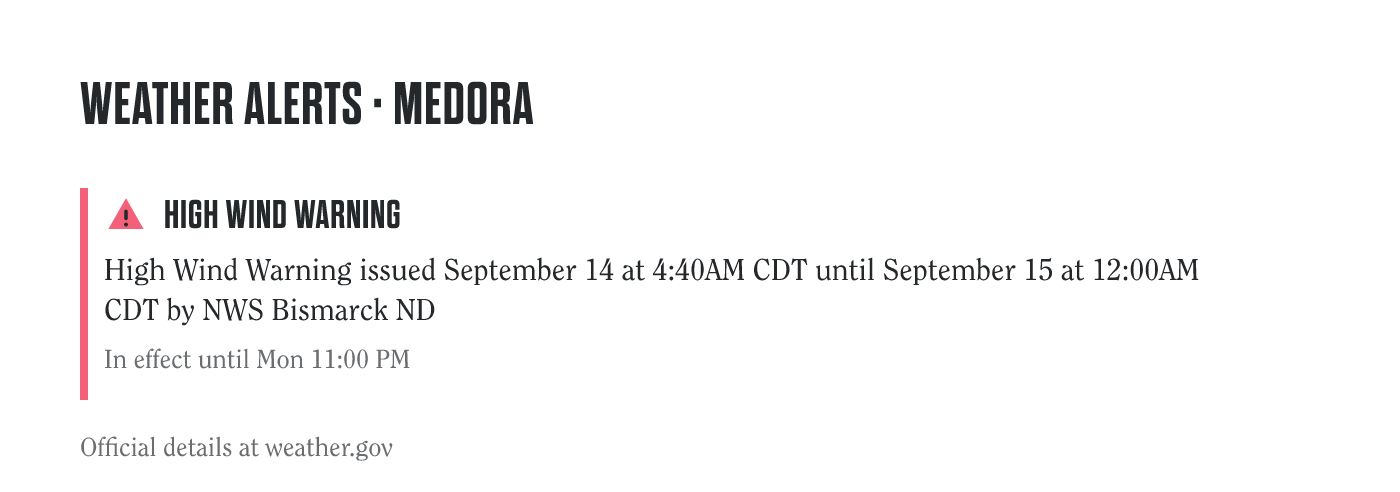
<!-- active NWS alerts, or a calm "no alerts" state -->
<a href="https://trlibrary.com/weather/">
  <img src="https://weather.labs.trlibrary.com/images/alert.png"
       alt="Active weather alerts for Medora, ND">
</a>
Also available: forecast-5day.png, forecast-7day.png, and an .svg version of every image (same names) for print or large-format use. The current.png and daily images also carry an alert banner automatically when a warning is active. Need just the URL? It's the part inside src="…" above.
Custom builder
Set the options and copy the generated snippet. The preview updates live.
Theodore Roosevelt Presidential Library · weather data © NOAA / National Weather Service · updated about every 30 minutes via GitHub Actions.